
Gaming PC jargon buster
Gaming PC adverts are full of strange words and letters. This page explains them in plain English, from A to Z. You do not need to learn them all. Just look up the ones you see on a PC you like.
If you only remember one thing: for gaming, the graphics card matters most. Everything else is there to support it.
The words, A to Z
- 1080p, 1440p and 4K
- These describe how sharp a screen is. 1080p is the most common for gaming. 1440p is sharper. 4K is sharpest of all. A sharper screen needs a stronger graphics card. See 1080p, 1440p or 4K.
- 80 Plus Gold (and Bronze, Platinum)
- A rating for power supplies. It means the power supply wastes less electricity as heat. Gold wastes less than Bronze. It is a sign of a better-made power supply.
- AIO (all-in-one cooler)
- A cooler that uses liquid in a sealed loop to carry heat away from the processor to a radiator with fans. You never need to fill it. It does the same job as a fan cooler, often more quietly.
- Bluetooth
- A short-range wireless link for headphones, controllers, keyboards and mice. Not every PC has it built in, so check if you need it.
- Bottleneck
- When one part holds the others back. For example, a very strong graphics card with a very weak processor. A well-matched PC has no big bottleneck.
- Bundle
- A PC sold together with a monitor, keyboard and mouse, so you have everything you need to start. See PC only, or a complete gaming setup?
- Case and airflow
- The case is the box everything sits in. Airflow is how well cool air gets in and warm air gets out. Good airflow keeps the parts cool and the fans quieter.
- Cooler
- The part that keeps the processor from getting too hot. It is usually a metal block with a fan, or an AIO (see above).
- Cores and threads
- A processor is made of several smaller workers called cores. Threads let each core juggle two jobs at once. More cores help with streaming and video editing. Most games do not need a huge number.
- CPU (processor)
- The "brain" of the PC. It runs Windows, programs and the thinking side of games. The main makers are AMD and Intel. See AMD or Intel for gaming?
- Custom PC
- A PC built to your own choice of parts. The opposite of pre-built (see below).
- DDR4 and DDR5
- Two generations of memory (RAM). DDR5 is newer and faster. They do not swap: a PC takes one type or the other, depending on its motherboard.
- DLSS and FSR (upscaling)
- Clever tricks that let a game draw a smaller picture and then sharpen it up to fit your screen. This makes games run more smoothly. DLSS is NVIDIA's version. FSR is AMD's version.
- FPS (frames per second)
- How many pictures the PC draws each second in a game. More frames means smoother movement. See frame rate and refresh rate explained.
- GPU (graphics card)
- The part that draws everything you see in a game. It is the most important part of a gaming PC. The main makers are NVIDIA and AMD.
- HDD (hard drive)
- An older kind of storage with a spinning disk inside. It is cheap and holds a lot, but it is slow. Good for keeping photos and videos. Not ideal for Windows or games.
- Hz (refresh rate)
- How many times each second your screen can show a new picture. A 60Hz screen updates 60 times a second. A higher number looks smoother, if the PC can keep up.
- Motherboard
- The main board inside the PC. Every other part plugs into it. It decides which processor and memory fit, and how many things you can add later.
- NVMe
- A very fast kind of SSD. It is a small stick that plugs straight into the motherboard, with no cables. Games and Windows load quickly from it.
- Pre-built PC
- A PC that is already put together and ready to use, like the ones we list. You plug it in and play.
- PSU (power supply)
- The box that takes power from the wall and feeds it to every part. A good one keeps the PC safe and leaves room to add a stronger graphics card later.
- RAM (memory)
- The PC's short-term workspace. It holds the game and programs you are using right now. 16GB is a sensible amount for gaming today. See how much memory a gaming PC needs.
- Ray tracing
- A way of drawing light, shadows and reflections so they look real. It looks lovely but asks a lot from the graphics card.
- Refurbished
- A used PC that has been checked, cleaned, tested and repaired where needed, then sold again. It can save money. See buying a refurbished gaming PC.
- RGB
- Coloured lights inside the case and on fans. It is just for looks. It does not make games run any faster.
- SSD (solid state drive)
- Fast storage with no moving parts. Windows starts quickly and games load fast. Every gaming PC should have one.
- VRAM (graphics memory)
- Memory that sits on the graphics card itself, just for drawing the picture. More VRAM helps at sharper screen sizes and with detailed textures.
- Wi-Fi
- Wireless internet. Handy if your router is in another room. A cable to the router is usually steadier for online games.
- Windows 11 Home and Pro
- The two main versions of Windows. Home is all a gamer needs. Pro adds extra tools for businesses.
- X3D
- A family of AMD processors with extra built-in memory called cache. It helps many games run more smoothly. See what is an X3D processor?
Putting it together
When you read a PC advert, look at the graphics card first. Then check it has an SSD and at least 16GB of memory. After that, the rest is mostly about looks, noise and room to grow. If something on an advert is not on this page, ask us. We would rather explain than have you guess.
Good 1080p gaming PCs to look at
Picked from our shop's list by graphics card strength, then price. Prices update by themselves.
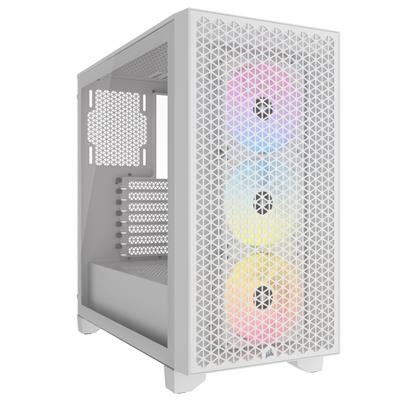
Pre-order1080p gaming
Sandbox Gamer 4 gaming PC
Ryzen 7 5700X + GeForce RTX 5060 Ti 8GB
Made for 1080p screens: Fortnite, Valorant, Minecraft and Rocket League play well. The newest big games may need lower settings.
- Processor
- Ryzen 7 5700X
- Graphics
- GeForce RTX 5060 Ti 8GB
- Memory
- 32GB DDR4 3200MHz
- Storage
- 1TB NVMe SSD
- Windows
- Windows 11 Home installed
£1,652.16
Pre-order
Games this PC plays
- Fortnite Plays well
- Minecraft: Java Edition Plays well
- Minecraft (Bedrock Edition for Windows) Plays well
- Roblox Plays well
- VALORANT Plays well
- Counter-Strike 2 Plays well
- League of Legends Plays well
- EA SPORTS FC™ 26 Plays well
- Grand Theft Auto V Enhanced Plays well
- Marvel Rivals Plays well
Comes with an RGB case - you can swap it for a non-RGB case if you prefer.
Sold by Sandbox Computers, Worcester
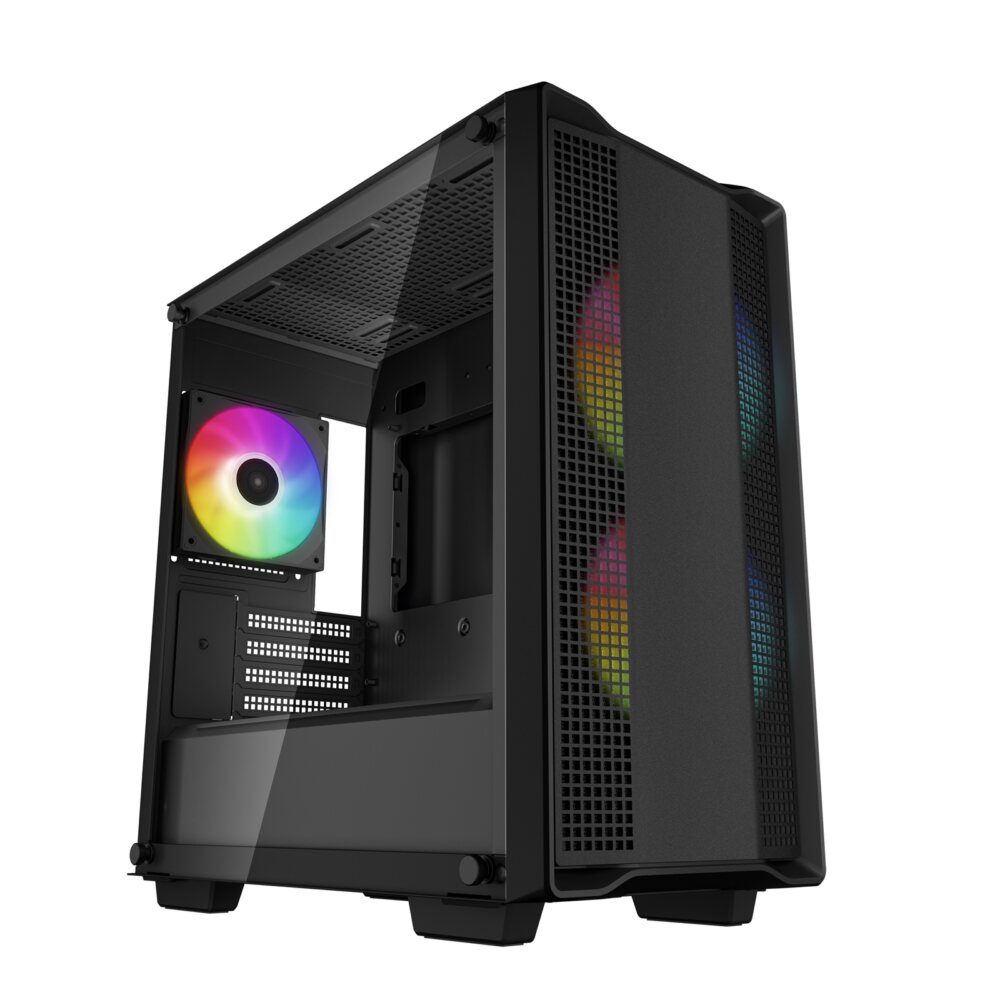
Pre-order1080p gaming
Sandbox Gamer 8 gaming PC
Ryzen 7 5700G + GeForce RTX 5060 Ti 8GB
Made for 1080p screens: Fortnite, Valorant, Minecraft and Rocket League play well. The newest big games may need lower settings.
- Processor
- Ryzen 7 5700G
- Graphics
- GeForce RTX 5060 Ti 8GB
- Memory
- 32GB DDR4 3200MHz
- Storage
- 1TB NVMe SSD
- Windows
- Windows 11 Home installed
£1,662.11
Pre-order
Games this PC plays
- Fortnite Plays well
- Minecraft: Java Edition Plays well
- Minecraft (Bedrock Edition for Windows) Plays well
- Roblox Plays well
- VALORANT Plays well
- Counter-Strike 2 Plays well
- League of Legends Plays well
- EA SPORTS FC™ 26 Plays well
- Grand Theft Auto V Enhanced Plays well
- Marvel Rivals Plays well
Comes with an RGB case - you can swap it for a non-RGB case if you prefer.
Sold by Sandbox Computers, Worcester
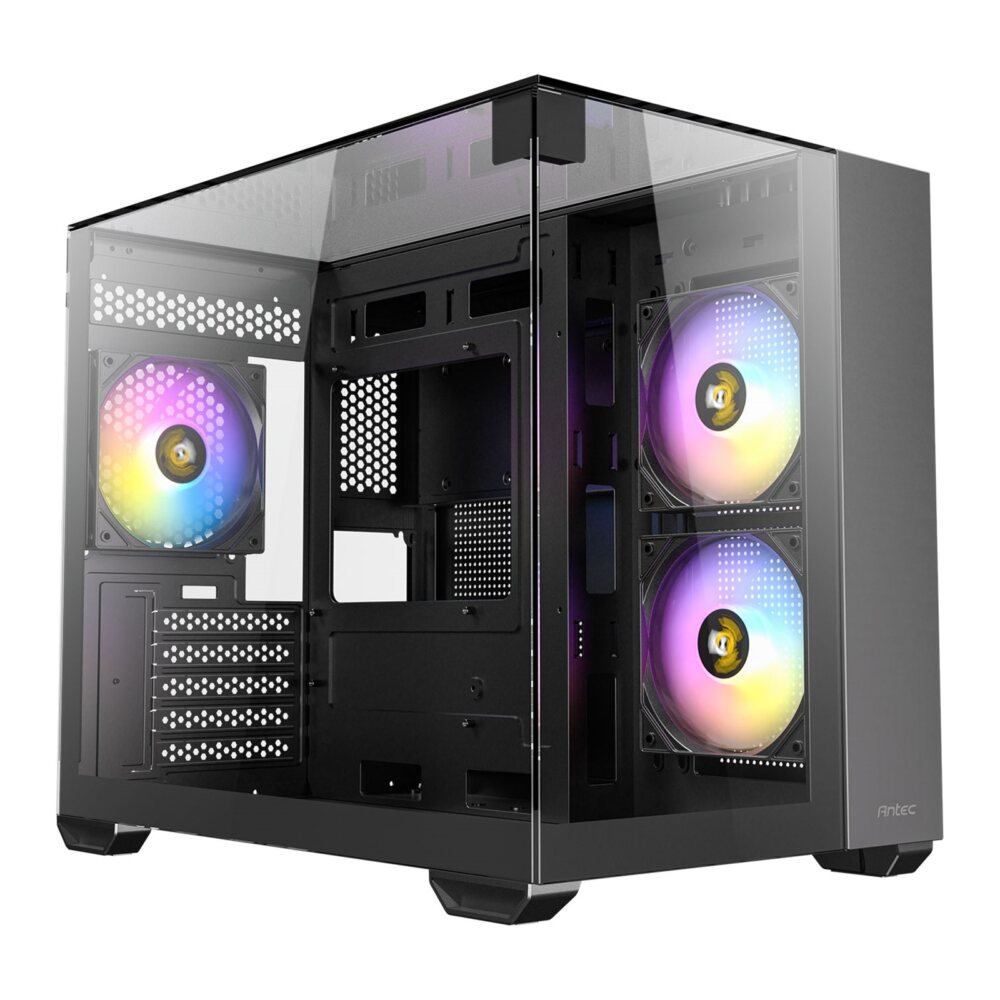
Pre-order1080p gaming
Sandbox Gamer 7 Compact gaming PC
Ryzen 5 7500F + GeForce RTX 5060 Ti 8GB
Made for 1080p screens: Fortnite, Valorant, Minecraft and Rocket League play well. The newest big games may need lower settings.
- Processor
- Ryzen 5 7500F
- Graphics
- GeForce RTX 5060 Ti 8GB
- Memory
- 16GB DDR5 5600MHz
- Storage
- 1TB NVMe SSD
- Windows
- Windows 11 Home installed
£1,683.71
Pre-order
Games this PC plays
- Fortnite Plays well
- Minecraft: Java Edition Plays well
- Minecraft (Bedrock Edition for Windows) Plays well
- Roblox Plays well
- VALORANT Plays well
- Counter-Strike 2 Plays well
- League of Legends Plays well
- EA SPORTS FC™ 26 Plays well
- Grand Theft Auto V Enhanced Plays well
- Marvel Rivals Plays well
Comes with an RGB case - you can swap it for a non-RGB case if you prefer.
Sold by Sandbox Computers, Worcester
Questions people ask
What is the most important part of a gaming PC?
The graphics card. It draws the picture in every game, so it decides how good games look and how smoothly they run. The processor, memory and storage matter too, but the graphics card matters most for gaming.
What is the difference between RAM and storage?
RAM (memory) is the PC's short-term workspace. It holds what you are using right now and empties when you switch off. Storage (an SSD or hard drive) keeps your games, photos and Windows even when the PC is off.
Do I need Windows 11 Pro for gaming?
No. Windows 11 Home plays games just the same. Pro adds extra tools that businesses use, such as managing lots of computers. Most home gamers never need them.
Is RGB lighting worth paying for?
Only if you like the look. RGB lighting makes no difference to how fast a PC runs games. It is just for style.